Engineer App guides
Engineer App · Getting started
Getting started and signing in
Last updated 10 Aug 2026
The DoorTRACE Engineer App is your field tool for fire door work: scanning QR tags, registering doors, running inspections, and completing remedial forms. This guide covers getting the app onto your phone and signing in for the first time.
Before you start
There are two kinds of sign-in details, depending on how you work:
- Your own engineer account. External engineers create their own account in the app (see Creating an account below). Companies on DoorTRACE then link your account to theirs. When a company invites you, the invitation email has Accept and Decline buttons - it doesn't contain login details, because you always sign in with your own account.
- Internal engineer access. Your company runs DoorTRACE and has created app access for you. They'll give you a username and password.
Downloading the app
The app is free on both stores:
- iPhone: search for "DoorTRACE" on the App Store. Requires iOS 15.1 or later.
- Android: search for "DoorTRACE" on Google Play.
You don't need to grant anything at install. The app asks for permissions at the moment they're first needed: camera access the first time you scan or take a photo (used for QR tags and photo evidence), and location access the first time you register a door (recorded as part of the audit trail).
Signing in
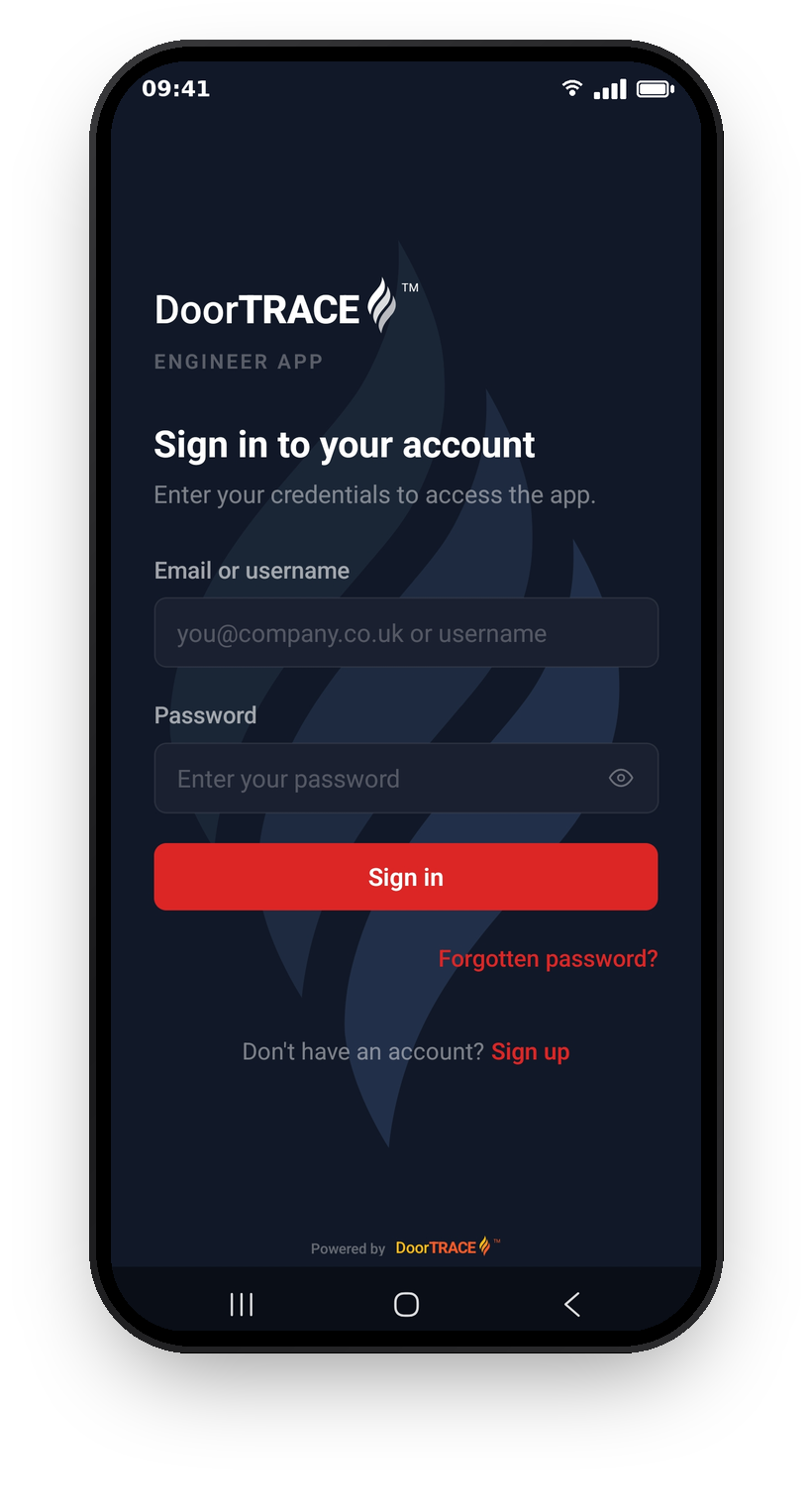
Sign in with the email address and password for your engineer account. If you're an internal engineer, sign in with the username and password your company gave you instead.
Tap the eye icon to check what you've typed, then tap Sign in.
If a company has invited you to work with them, the invitation email ("You've been invited") has an Accept Invitation button and expires after 7 days. Accepting links your account to that company - you still sign in with your own details. If you haven't created an account yet, sign up first, then ask the company to invite you again.
Creating an account in the app
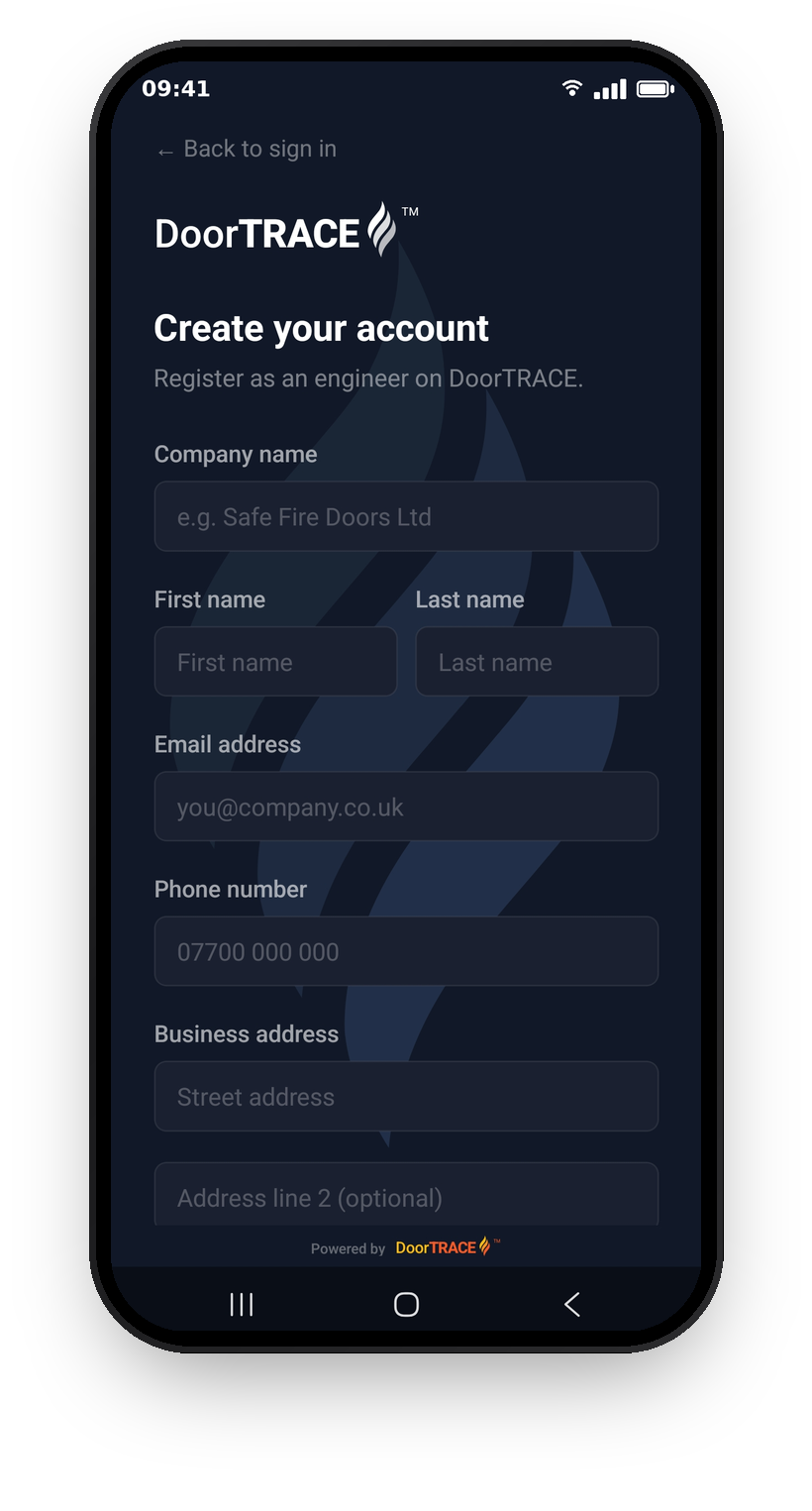
If you don't have an account, tap Sign up at the bottom of the sign-in screen.
- Fill in your details: your engineer company name, your name, email, phone number, and business address. Your company name is how the companies you work with will identify you. Tap Continue.
- Answer a few quick questions about the work you do. This helps set DoorTRACE up around how you work. Tap Create account.
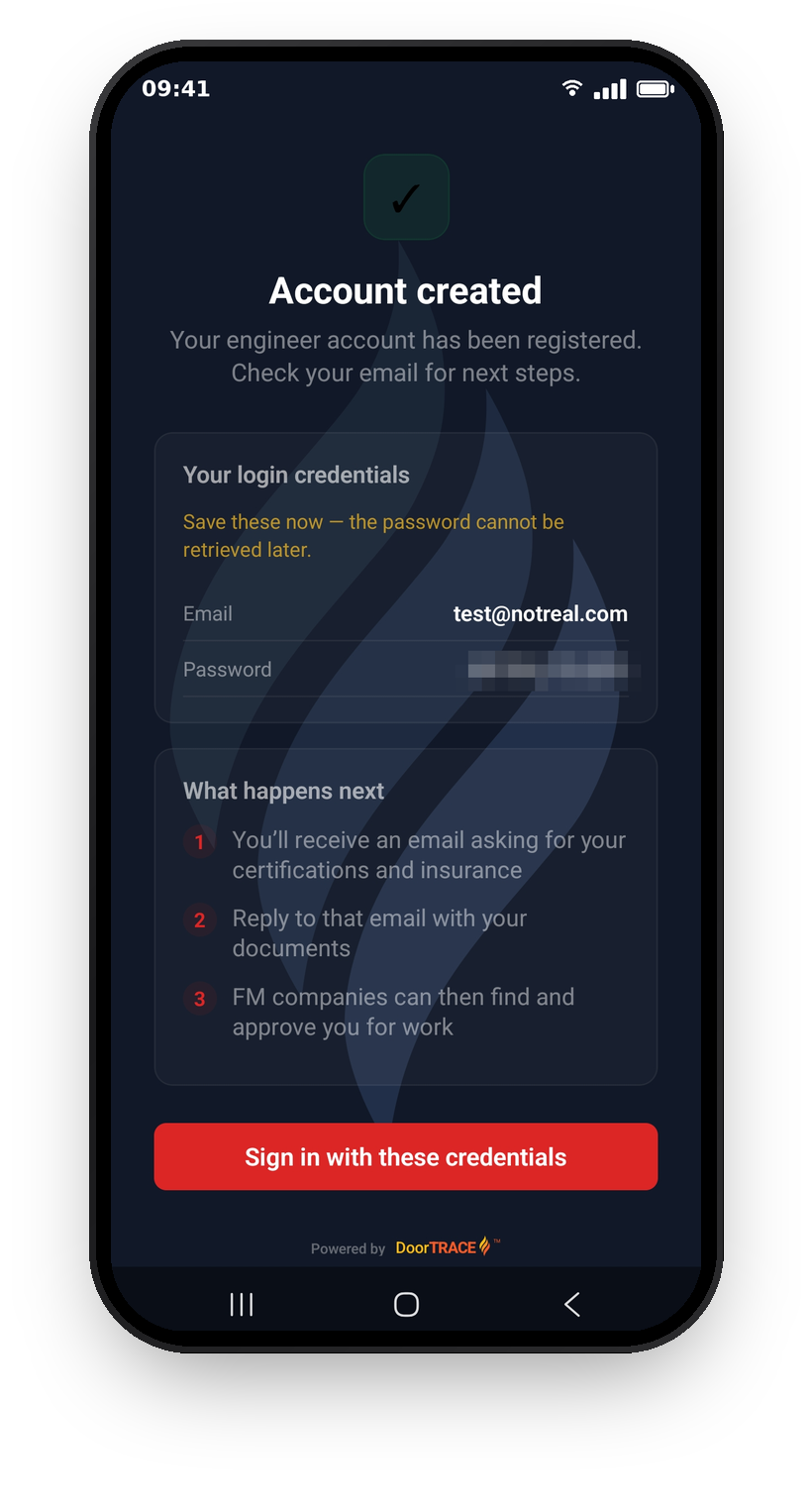
Important: your password is generated for you. It's shown on this screen and included in your welcome email, but it can't be viewed in the app again - so save it somewhere safe. You can change it any time from Profile then Change Password.
Straight after signing up you'll receive an email from compliance@doortrace.co.uk titled "Welcome to DoorTRACE - Documents Required". It lists the certifications and insurance documents we need (and includes your login details). Reply to that email with copies of your documents - once they're verified, companies on DoorTRACE can find and approve you for work. The Certifications and insurance documents guide covers this in detail.
Working with more than one company
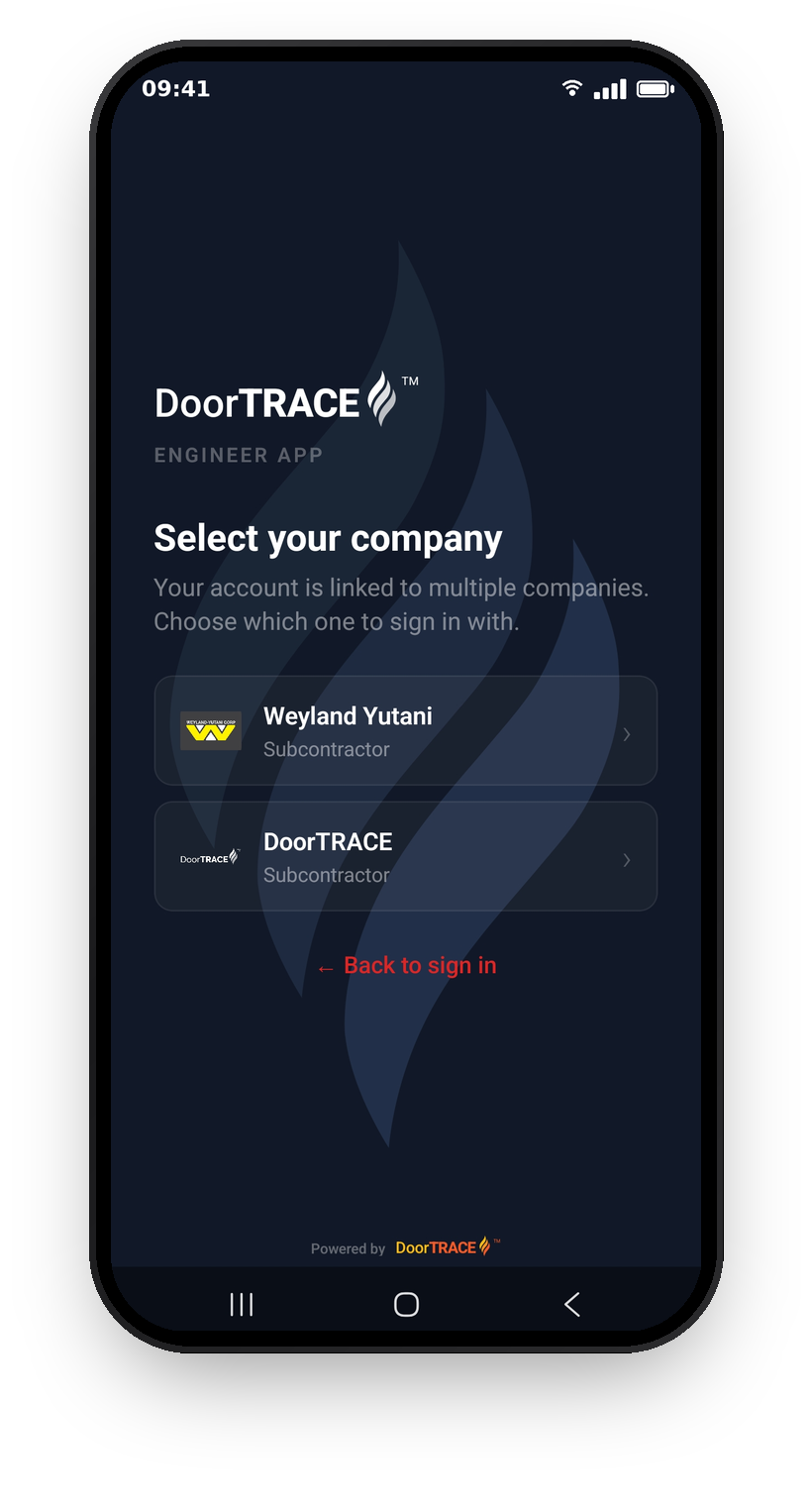
Some engineers carry out work for more than one company on DoorTRACE. If your account is linked to more than one, you'll be asked to pick a company when you sign in. The app then shows that company's buildings, doors, and jobs.
To change company while you're signed in, open the Profile tab and tap Switch Company, then choose from the list. The app will warn you that your current session data is cleared when you switch.
If you're only linked to one company, you won't see any of this. You'll go straight to your dashboard.
Forgotten your password?
Tap Forgotten password? on the sign-in screen, enter your email address, and tap Send Reset Link. Then:
- Check your inbox for an email from noreply@doortrace.co.uk titled "Reset your DoorTRACE password"
- Tap the link and set a new password - the link expires after 1 hour, so don't leave it too long
- Come back to the app and sign in with your new password
If you see "Account Restricted"
This screen appears when a required insurance document or certification is missing or out of date. You can't carry out inspections until it's resolved - send your updated documents to the email address shown on screen and your access will be restored automatically once they've been verified. See the Certifications and insurance documents guide for more.
If the app asks you to update
Occasionally the app will ask you to update before you can continue. Update from the App Store or Google Play and sign in as normal. This keeps your inspection records in the format the platform expects.
What's next
Once you're signed in, you'll land on your dashboard. The next guide, Your dashboard, walks through what everything on that screen means and where to find your work for the day.
Still can't find the answer?
Send us a message and we'll help. We respond within one working day.